Platform overview
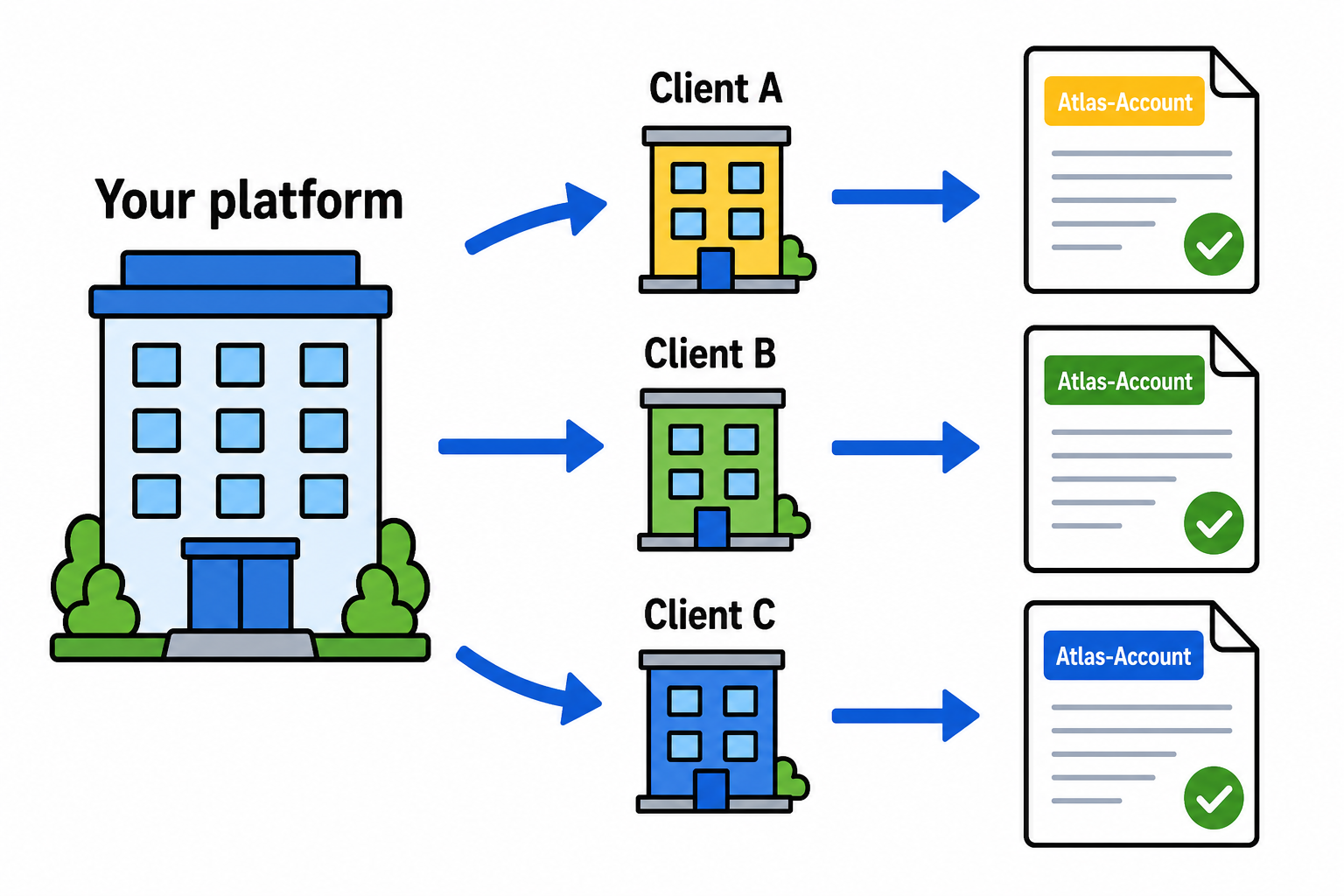
Give each client their own workspace under your org. Scope API calls with the Atlas-Account header.
Setup (4 steps)
- Create a platform API key on the dashboard Platform tab
POST /api/platform/connected-accountswithexternal_idandname- Send a test envelope with
Atlas-Account: ext_<external_id> - Set
webhook_urland check the delivery log on review
Curl examples: Platform quickstart
When to use it
| You are... | Platform mode? |
|---|---|
| SaaS or CLM embedding e-sign for customers | Yes |
| Solo user sending your own contracts | No |
| Agency with a few clients | Try teams first |
Key terms
- Platform org: your partner workspace and platform keys
- Connected account: one end customer (own credits and envelopes)
- Atlas-Account header: picks which client this request targets
- external_id: your stable client ID (idempotent on provision)
MCP vs REST
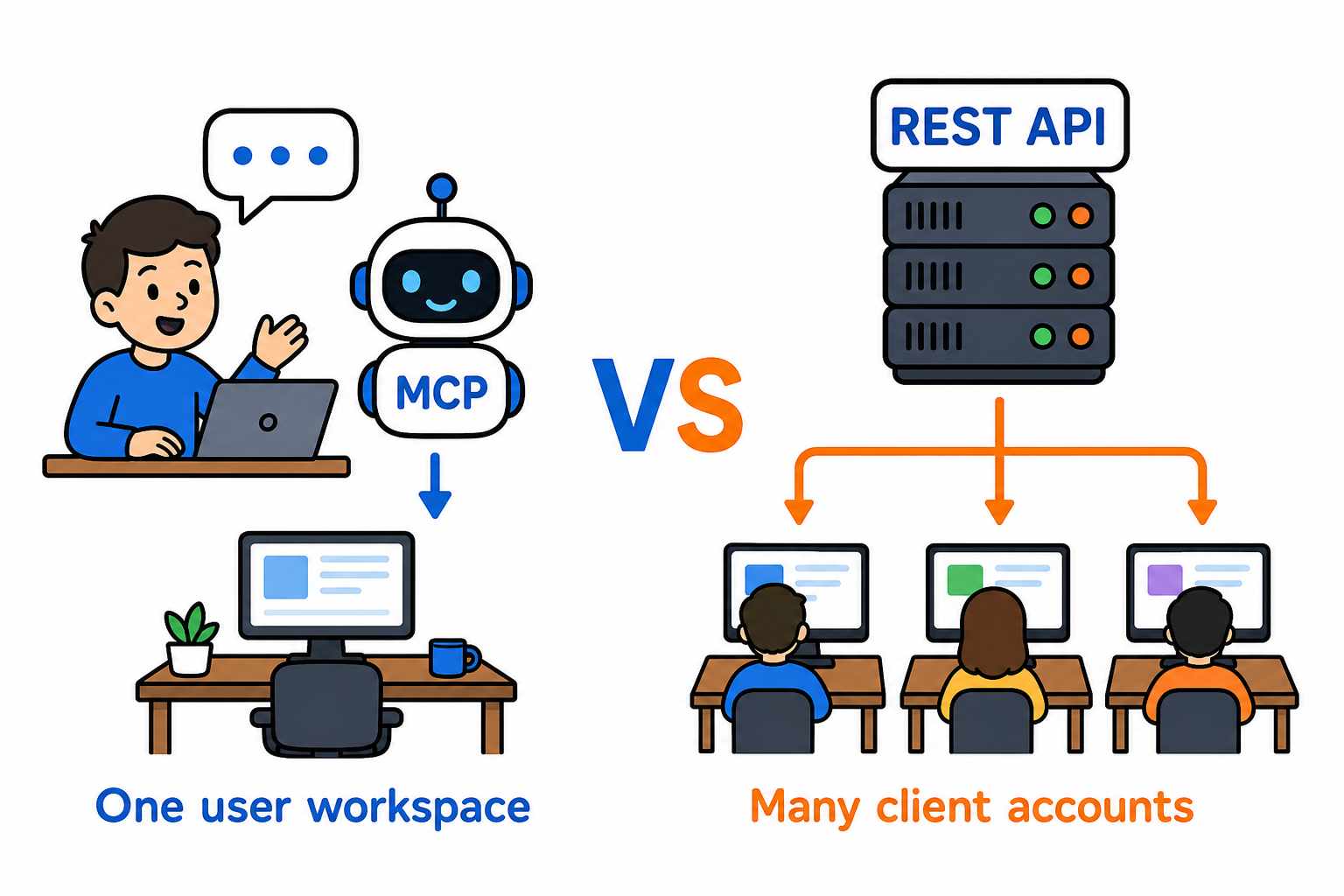
MCP and OAuth are user-scoped in v1. No Atlas-Account on MCP. Use REST with a platform key for multi-tenant sends.
Guides
- Connected accounts
- Webhooks and debugging
- Billing modes
- Platform via MCP and API
- Branding your workspace
Compliance
Vendor security overview. ESIGN, UETA, and SES eIDAS scope in the compliance pack.